Home
Page
Interactive Displays
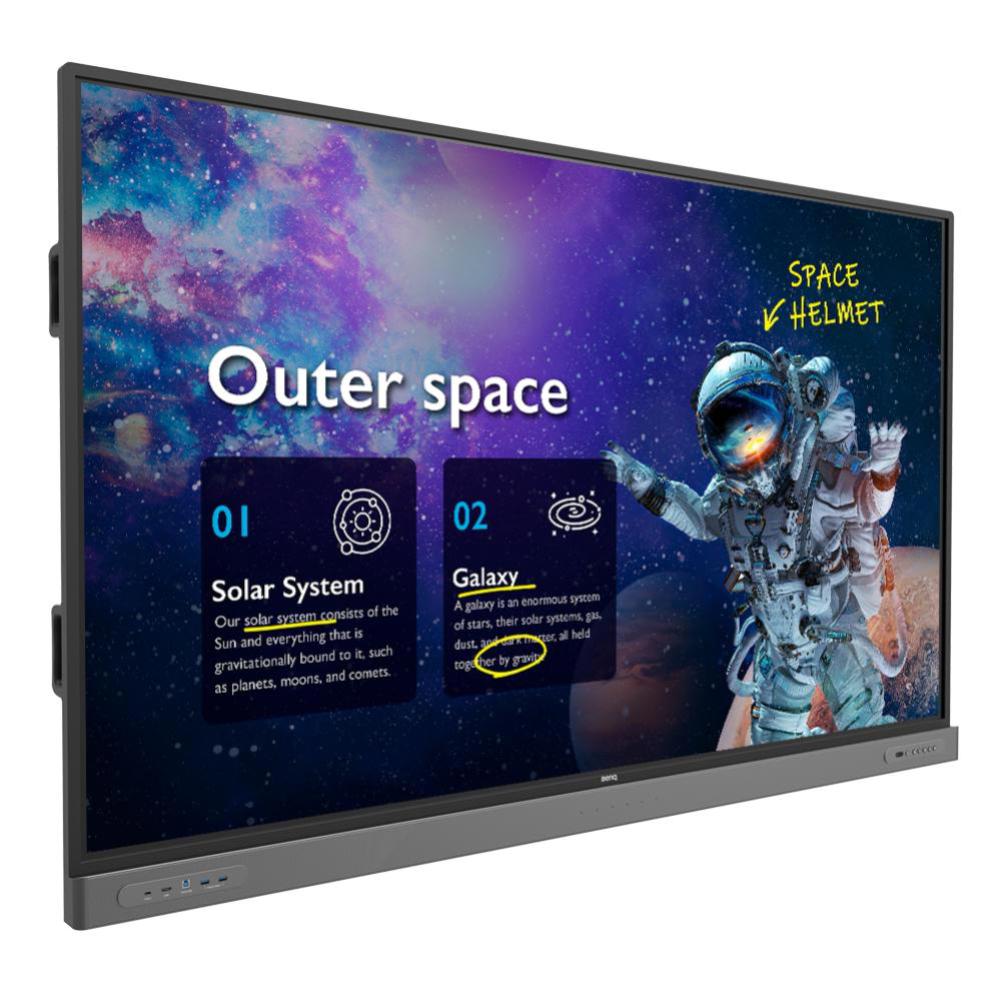
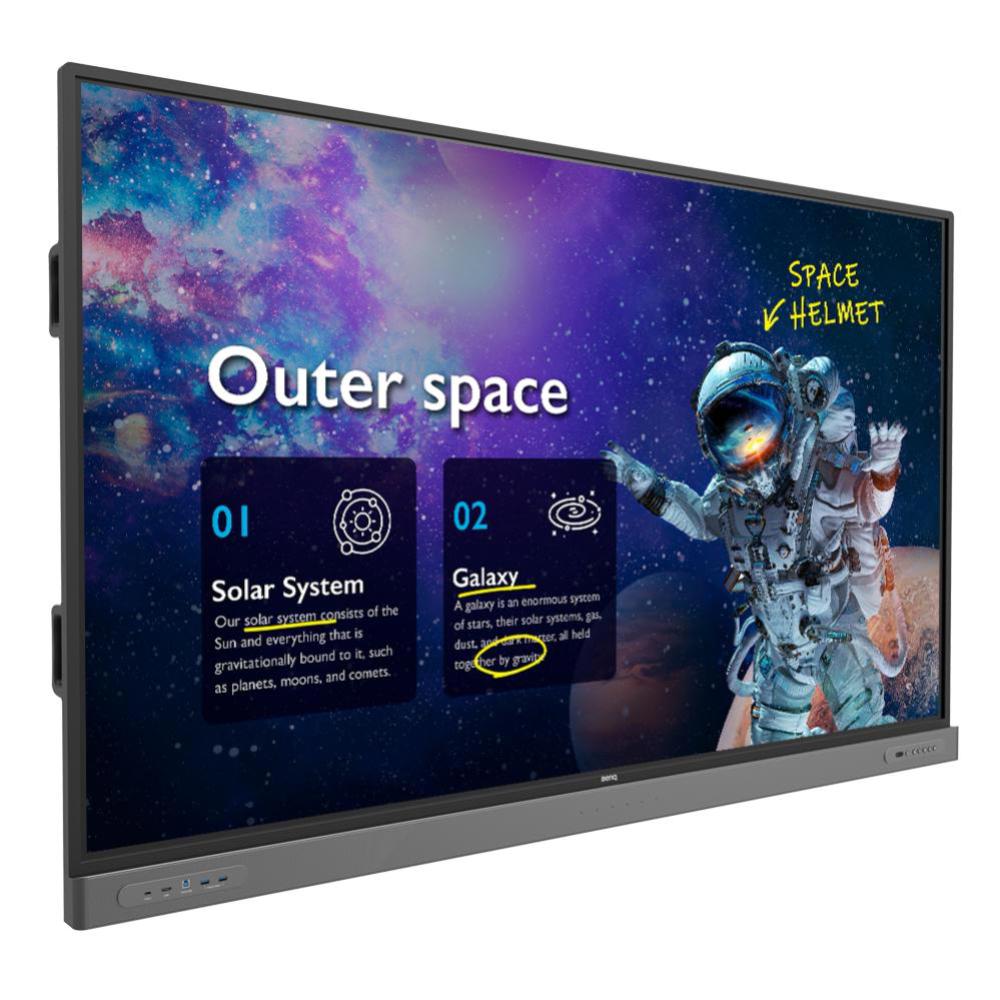
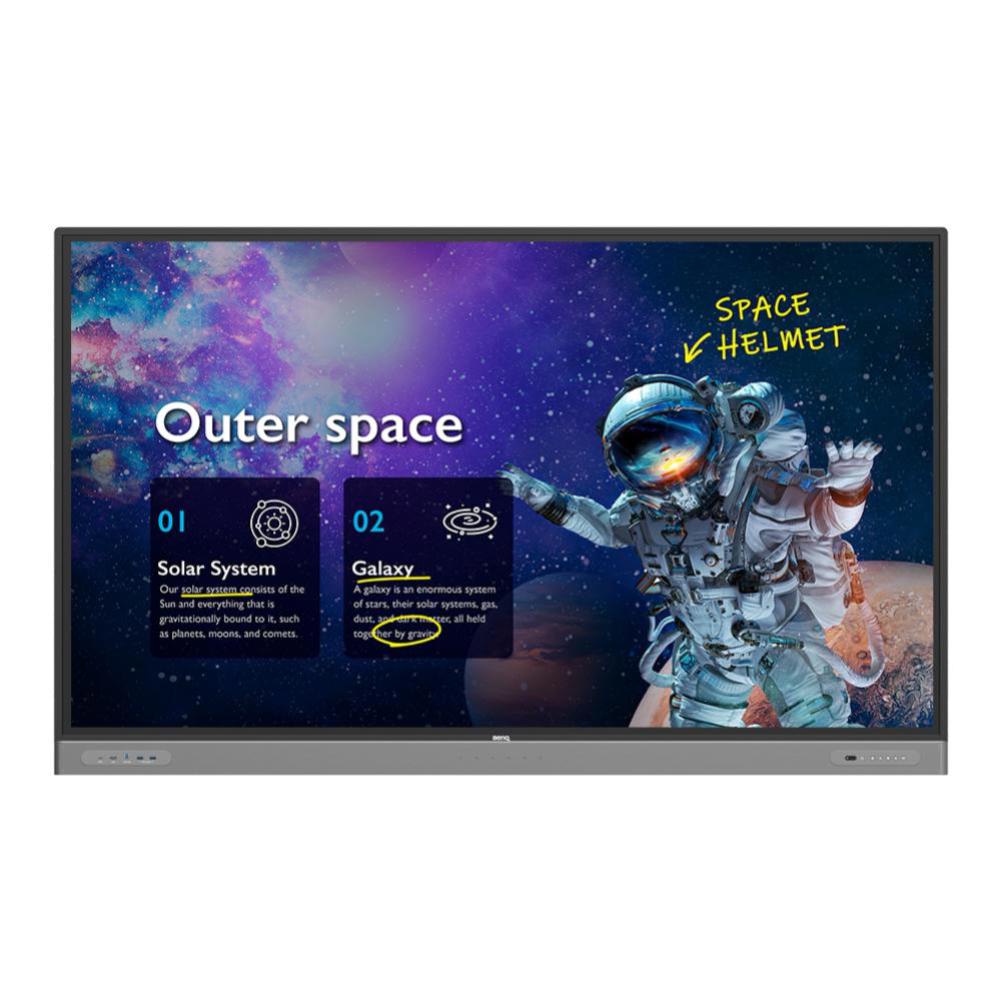
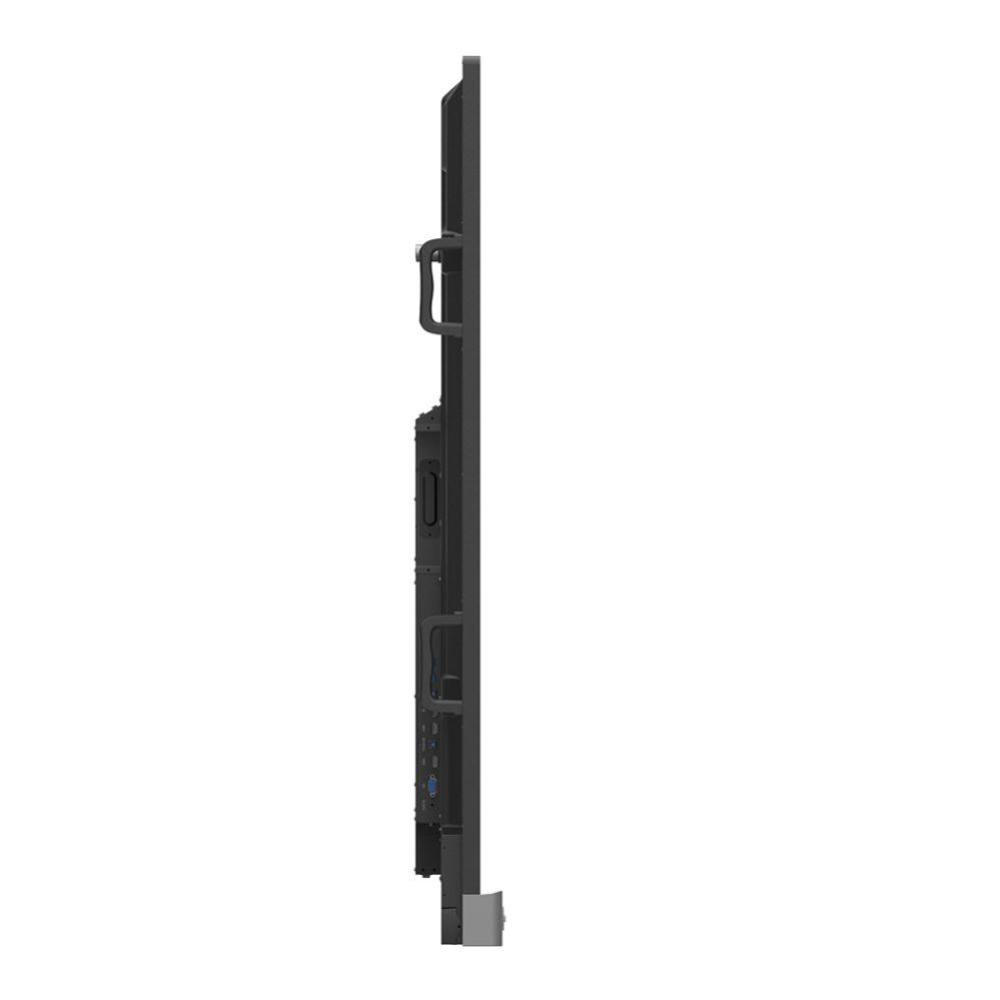
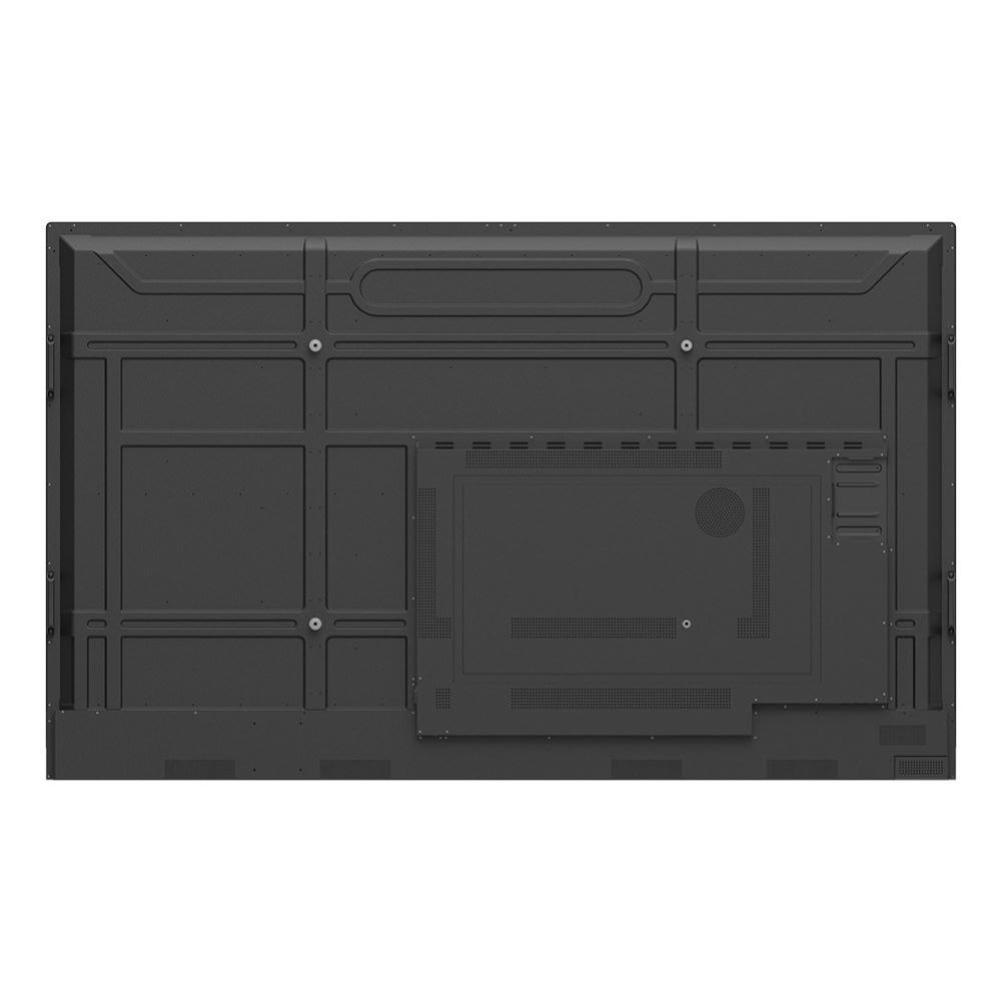
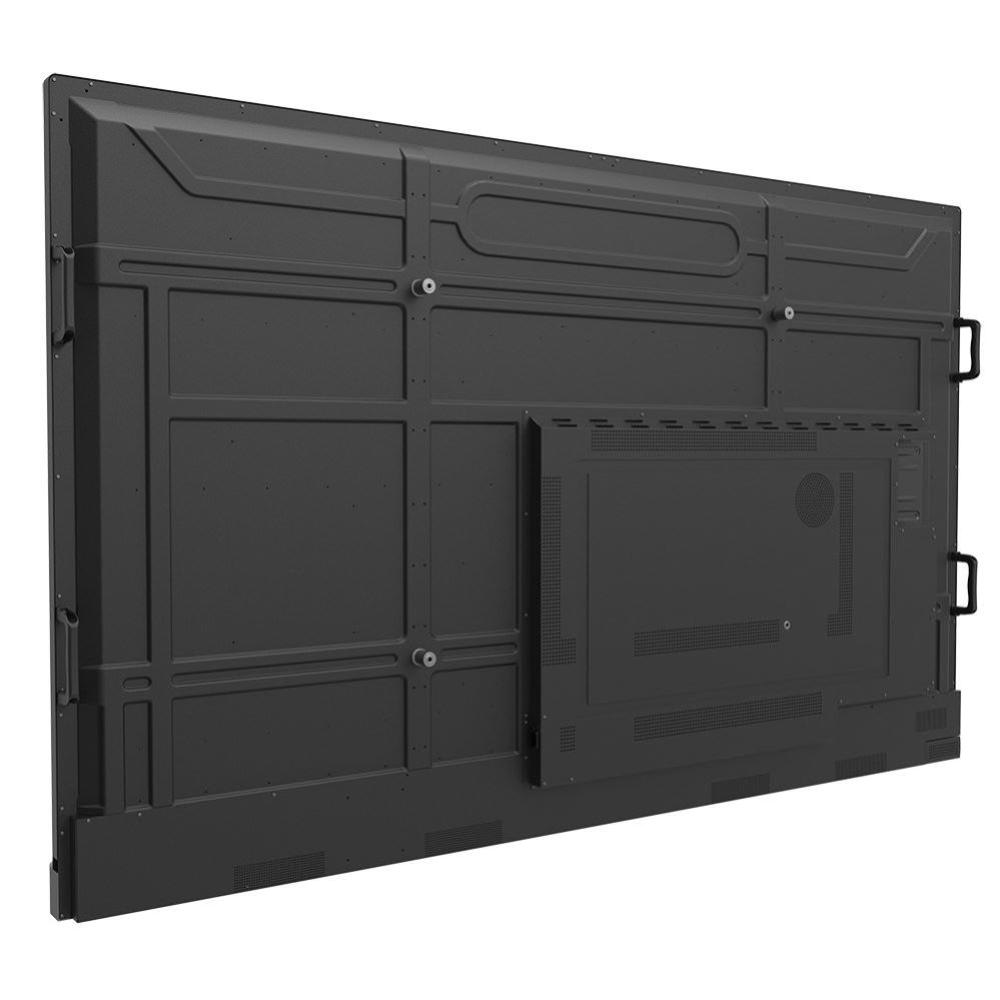
BenQ Master Series 65" IFP (Instashow 2, EzyWrite 6, Android 9.0, ClassroomCare Technology, 40-point IR touch, Wall Mount Supplied)
Previous slide
Next slide
When it comes to teacher and student health, BenQ is always ahead of the class. All BenQ interactive displays come equipped with ClassroomCare®, our proprietary line of health-centric technologies carefully designed and tested to make active engagement in the classroom safe for everyone.
65" Screen Germ-resistant screen and pen Boost student engagement with built-in tools Front USB Type-C for all-in-one connectivity 4K UHD screen with built-in speakers and mics Designed for hybrid and remote classrooms 2 Years Included Warranty
TECHNICAL DETAILS
Model
RM6503
Platform
Interactive Flat Panel
Classification
Business / Education
Screen Size (Inches)
65
Max Resolution (H x V Pixels)
3840 x 2160
Max Vertical Refresh Rate (Hz)
60
Aspect Ratio
16:9
Back Lighting
Direct LED
Panel Type
IPS
Brightness (cd/m2)
350
Contrast Ratio (Standard)
1,200:1
Contrast Ratio (Dynamic)
30,000:1
Viewing Angle (Horiz. Degrees)
178
Response Time
8ms
Height Adjust
No
Swivel
No
Pivot
No
Tilt Angle (Degree)
No
3D Capable
No
TV Tuner
No
Touch Capable
Yes
Touch Technology
40-Point Multi Touch
Touch Controller
USB
Speakers
16W x2
HDMI Inputs
3xHDMI 2.0, 1x HDMI 2.0
DVI-D Inputs
None
DP Inputs
None
VGA Inputs
1
Component (RGB) Inputs
No
AV Inputs
1
Serial Control
RS232
Ethernet Control
LAN
Other Inputs
OPS Slot, USB, Mic In
Outputs
HDMI (1), External Audio (1)
VESA Wall Mount (mm)
600 x 400
Software
EzWrite 6.0
Other Features
In-Built Android (9.0)
Unit Colour
Black
Power Supply
External AC Adapter
Power Consumption (W)
AC 100-240V 50/60Hz
Package Contents
1x VGA (3m), 1xHDMI (3m), 1xUSB-C (1.5m), 1x USB-B touch Cable (3m)
Packaging
Retail
Unit Dimensions (W x H x D mm)
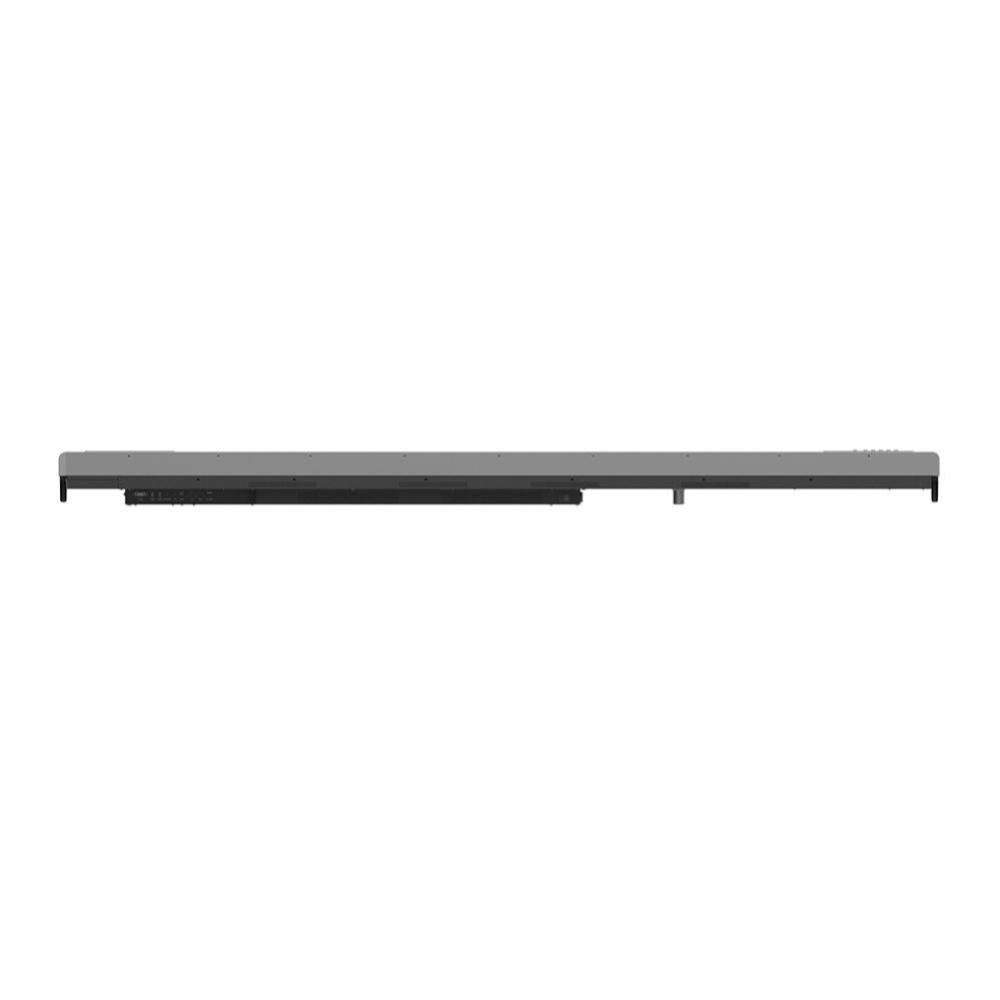
2140x1340x250mm
Weight (Kg)
68kgs (Packaged Weight)
Warranty
2
Use left/right arrows to navigate the slideshow or swipe left/right if using a mobile device
choosing a selection results in a full page refresh
press the space key then arrow keys to make a selection